

Home/School Communication
At St. Mary’s, we aim to sustain effective school–home communication.
As we continue to develop our communication systems, we are moving towards using our bespoke school app as the primary method of contact with parents/carers. This will allow us to share important information quickly, securely, and efficiently.
While we may occasionally still send letters home with pupils or by post, and make information available on our website, our key method of communication will be through the school app. We strongly encourage all parents/carers to download and regularly check the app to ensure they receive the most up-to-date information from the school.

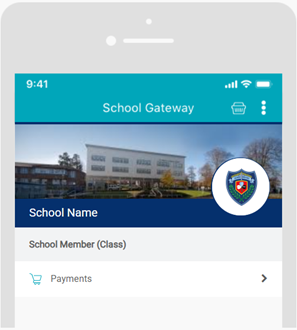
Download the School Gateway App
1. Go to the App Store (for iPhone) or Google Play Store (for Android) and search for “School Gateway”, then download the app.
Alternatively, you can visit: https://login.schoolgateway.com
2. Once installed, open the app and if you are asked say yes to “Allow Push Notifications”.
3. Click on “New User” and enter the email address and mobile number that you have registered with the school.
4. You will receive a text message with a PIN code. Enter this code into the app when prompted.
5. Once set up, you will be able to receive messages, letters and important updates directly from the school.
Effective Study Strategies: Information for Parents and Carers
A really useful webinar for parents and carers from leading educationalist, Kate Jones; detailing the most effective Study Strategies for pupils and how you can encourage your child to study smarter.
//www.youtube.com/embed/2FLodJngqFc#t=0.5